

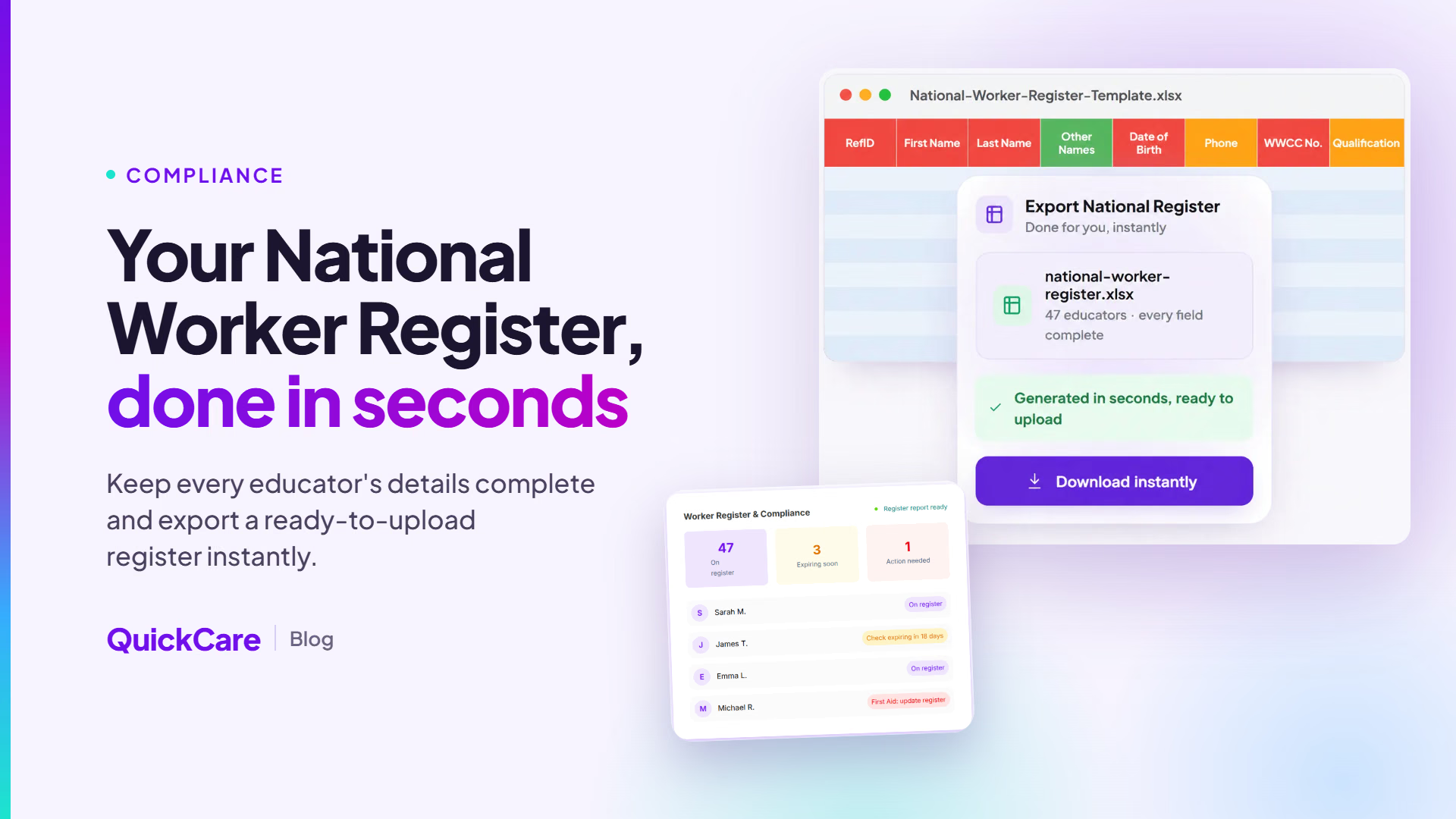
Keeping workforce records accurate has always been part of running an education and care service. From 27 February 2026, approved providers must record and maintain eligible workers on the National Early Childhood Worker Register (it is not yet mandatory in Western Australia). This guide walks you through 10 features worth looking for in childcare compliance software and a few things to check before you choose.
10 Things to Look for in Childcare Compliance Software
1. Fields that match the National Early Childhood Worker Register
Look for software that captures the information the Register asks for, including qualifications, training, check details, and the date evidence was sighted and by whom. Having these fields mapped from the start saves re-keying data each time you update the Register.
2. Verification against the issuing source
A record is only as reliable as the document behind it, so look for software that checks credentials against the government database that issued them. Because Working With Children Check rules differ between states, confirm the tool supports every state you operate in.
3. Ongoing qualification checks
Your software should record whether each educator holds, or is actively working towards, an approved qualification such as a Certificate III, Diploma or early childhood teaching qualification. Qualification status can change after an educator is onboarded, which is why regular qualification checks matter. Look for a tool that flags qualification issues for review, rather than leaving them to an annual audit.
4. Expiry tracking with early alerts
First aid, CPR, and WWCCs all have expiry or refresh dates, and many providers set renewal periods for police checks. Choose software that reminds both the educator and the centre well before a document expires (our guide to managing educator credential expiry explains why this matters).
5. Child safety training records
Child safety training is now recorded on the Register, with foundation and advanced training entered separately. Your software should store completion details for each worker and make it easy to see who still needs to complete training. Our article on the new child safety training for childcare educators explains what providers need to know.
6. Support for the 14-day update window
Register records must be updated within 14 days of a change, such as a worker starting, leaving, changing roles or renewing a check. Software that logs these changes as they happen, and prompts you to act, makes this window easier to meet. This can be especially helpful in busy periods, or when a service transfers to a new approved provider and every worker needs to be entered again.
7. Coverage for casual and agency staff
The Register includes people engaged through agencies and labour hire, not just your permanent team. Look for software that holds verified records for casual and relief educators too, so everyone working with children is accounted for. If you rely on casual staff, our guide to building and managing a childcare relief pool may also help.
8. One live view across rooms and sites
Area managers and compliance leads need to see the status of every service without chasing spreadsheets. A single dashboard showing who is cleared to work, and whose documents need attention, helps you spot gaps early. This is particularly useful for multi-site providers, where records are often spread across several systems.
9. Audit-ready reports
When an authorised officer visits or you run an internal review, you should be able to produce accurate workforce records quickly. Check whether the software exports clear, consistent reports with minimal manual editing.
10. A simple childcare compliance app for educators
Compliance tends to run more smoothly when educators can upload and update their own documents. A childcare compliance app that also works seamlessly on a phone makes it easier for staff to respond to reminders and keep their records current.
Final thoughts
The right childcare compliance software should make your records more accurate, your updates more timely and your audits less stressful. Use the checklist above to compare options, and choose a tool that suits the way your services operate.
How QuickCare can help
QuickCare was built to help Australian childcare centres keep workforce compliance up to date, from WWCC and qualification checks to Worker Register reporting. Real-Time Compliance verifies educator documents, tracks expiry dates and prepares register-ready reports in one place. If you’d like to see how it could work for your service, you can book a demo with our team.